Simplicity over abstraction
Code that an informed non-programmer can read. No layers you have to understand first. The site runs on ordinary shared hosting, and you move it by copying a folder and a database.
Version 3.0.0 · GNU GPL v2 · free
Plain PHP and MySQL. No framework, no Composer, no npm. You upload it to your hosting, open the installer and start writing after four steps.
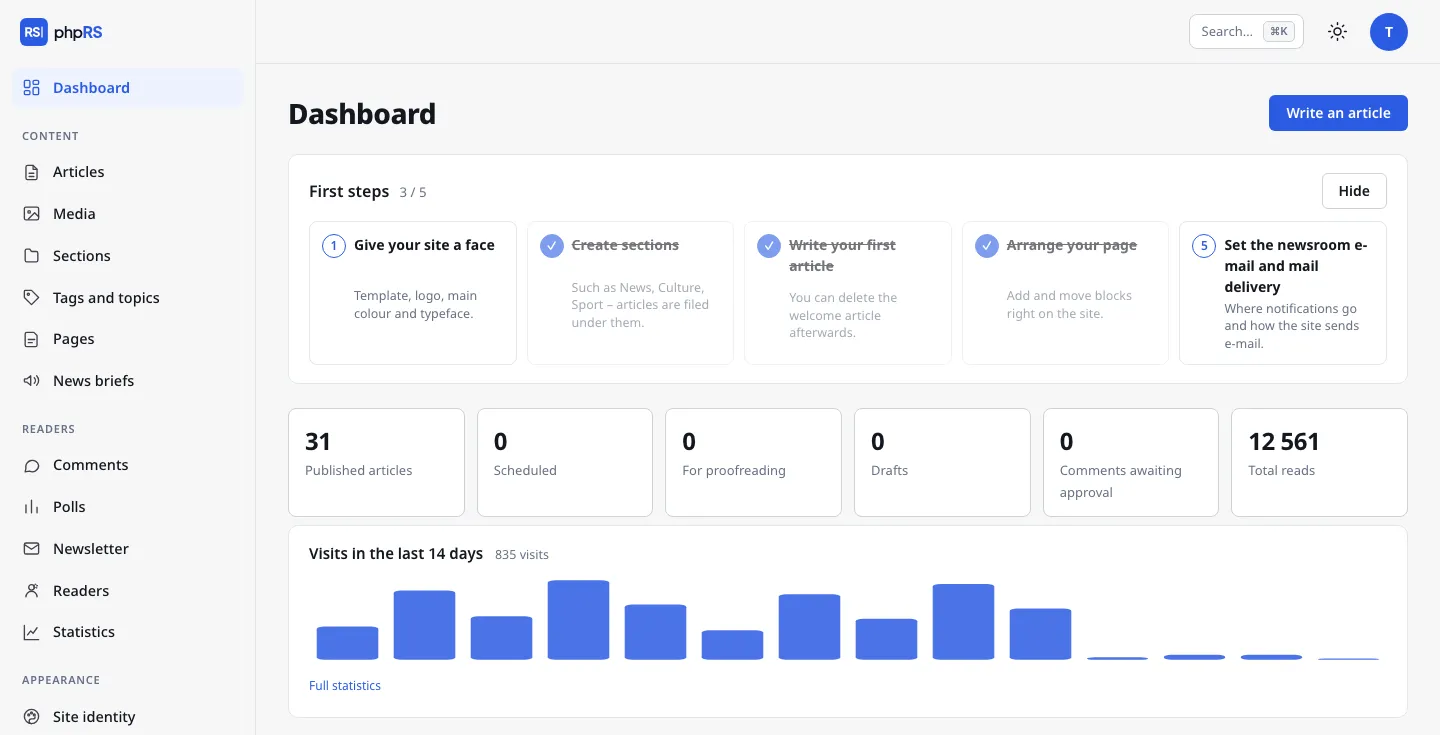
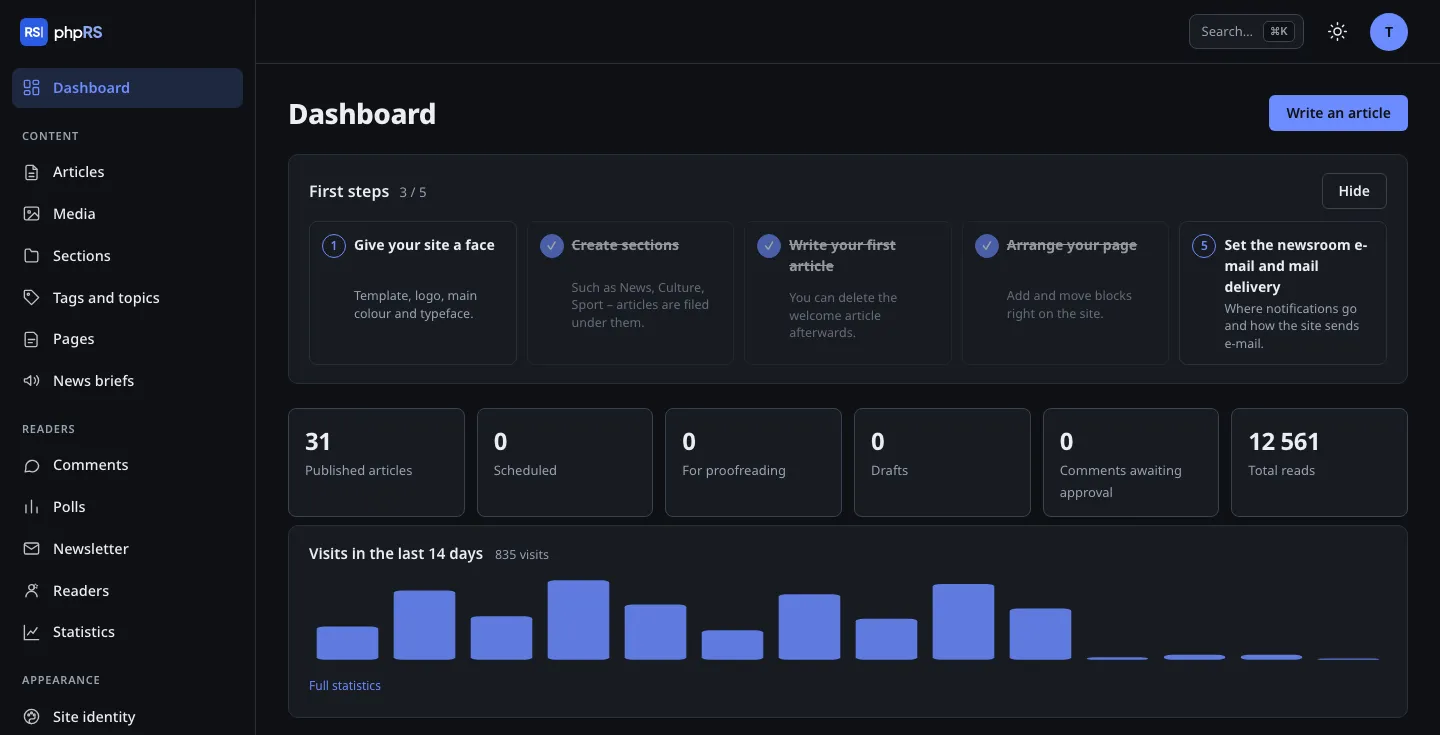
Code that an informed non-programmer can read. No layers you have to understand first. The site runs on ordinary shared hosting, and you move it by copying a folder and a database.
Updates are signed with the publisher's key, and security fixes install themselves. Two-factor login, a strict Content Security Policy in the administration and an integrity check of the core files.
Extensions are a closed, curated set. You switch them on in the administration on the Extensions page – you install nothing from outside sources, nothing breaks after an update and no third-party code reaches your site.
Built-in traffic statistics without cookies. IP addresses are not stored. Videos and social media posts load only after the reader clicks, and the antispam works without third-party services.
Author, editor and administrator roles, permissions by section, handover for proofreading by e-mail, an editorial calendar and front page management. Revisions with version comparison and a lock against simultaneous editing.
Pages and articles can be edited directly on the site, and the site layout is put together in a visual block editor – on the page that readers see.
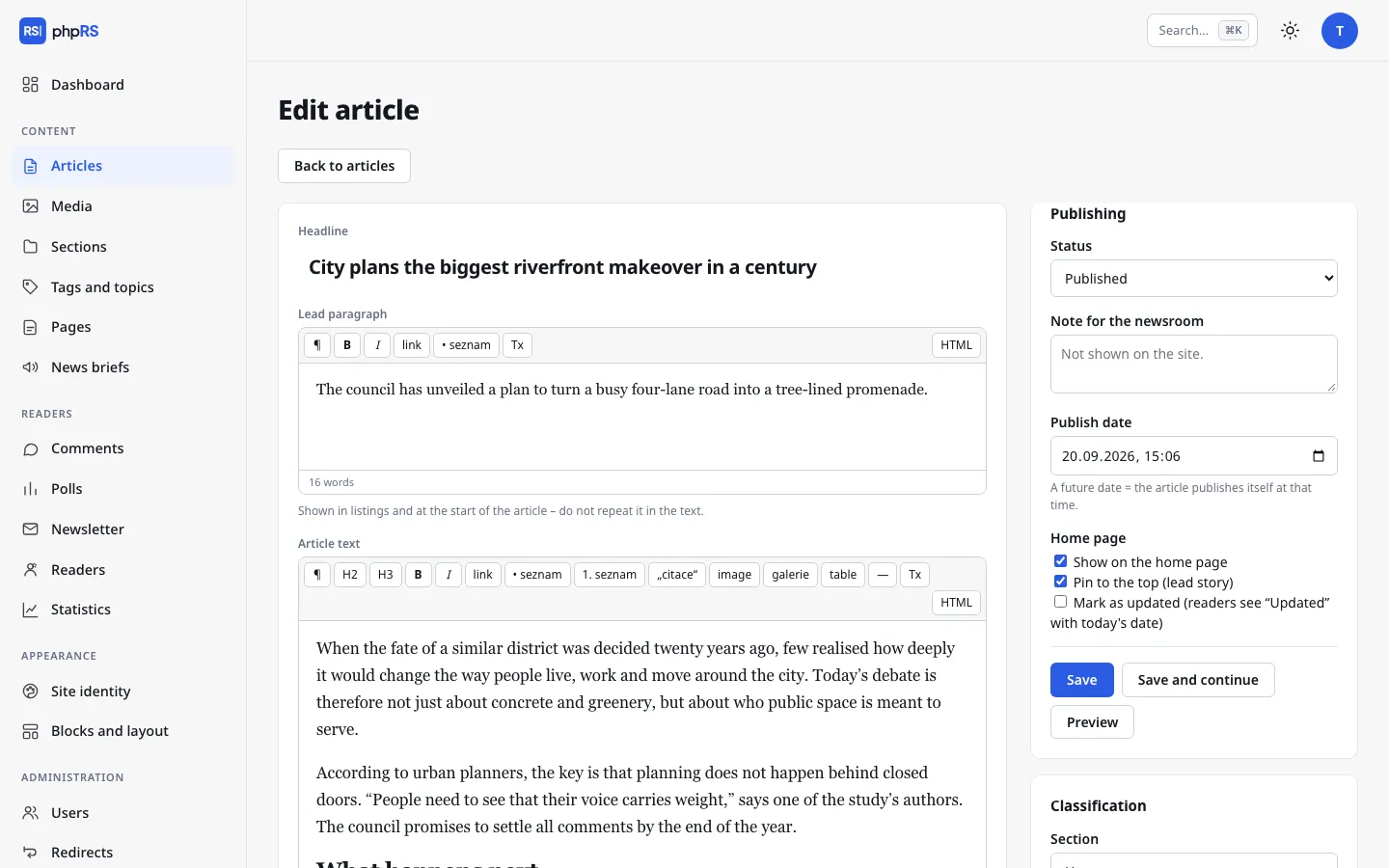
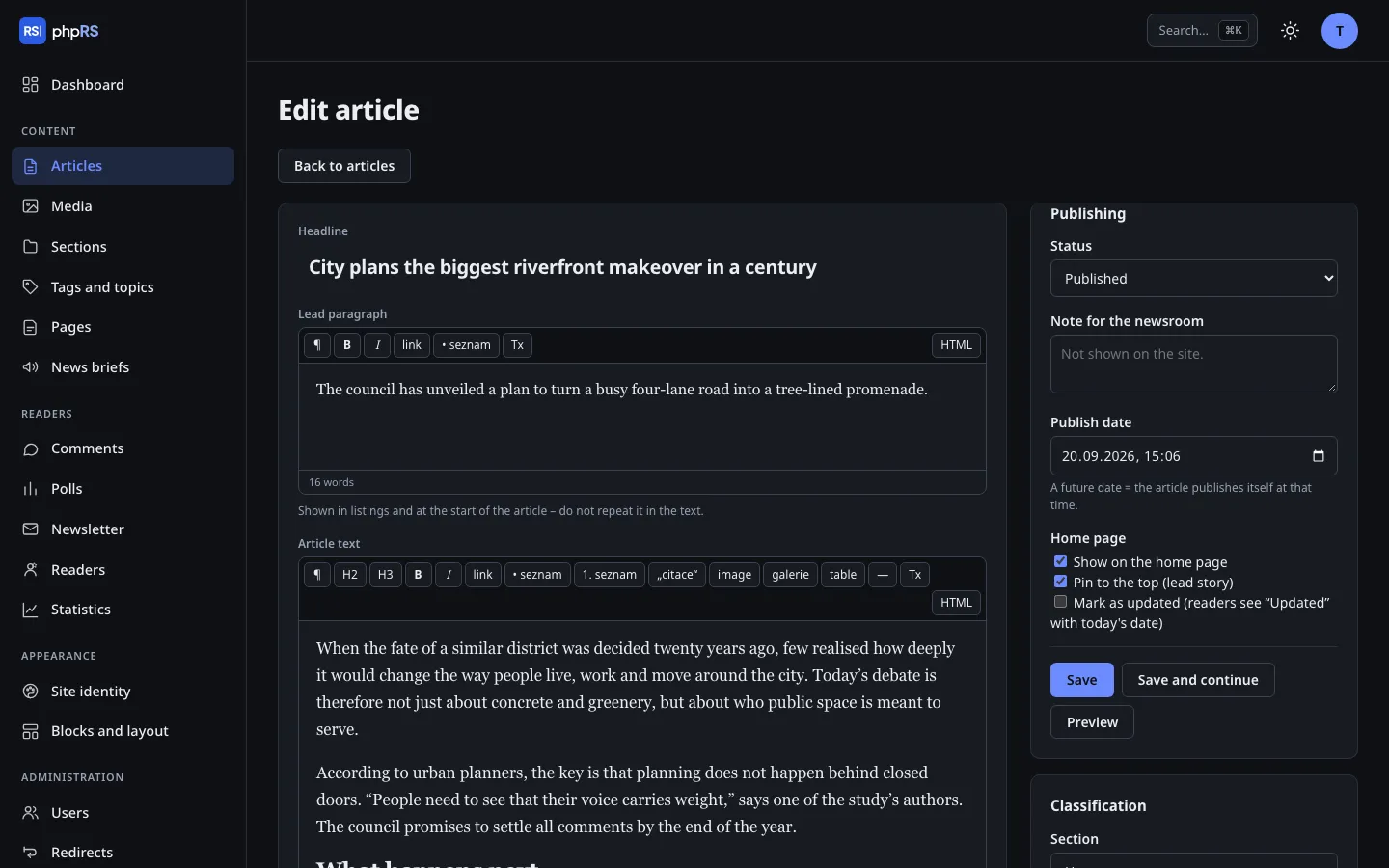
Each has a light and a dark mode and takes over your site's logo, colour and fonts. You can write your own template yourself – or with Claude through the MCP connection.
An optional assistant in the editor suggests a headline, standfirst, tags or an image description and translates an article into another language version. Without your own Claude API key it is switched off and sends nothing anywhere.
On your instruction, Claude can manage content and create custom templates. It has no access to the system code, the users or the server settings – the boundary is set in the core, not in the settings.
You need hosting with PHP 8.4 and MySQL 8 or MariaDB 10.6. Nothing else – no command-line access.