Features
Everything below is part of one package. Nothing is bought separately and nothing is installed afterwards – the less used parts are simply switched on in the administration on the Extensions page.
Writing
An editor that stays out of the way, and content types that a magazine really uses.
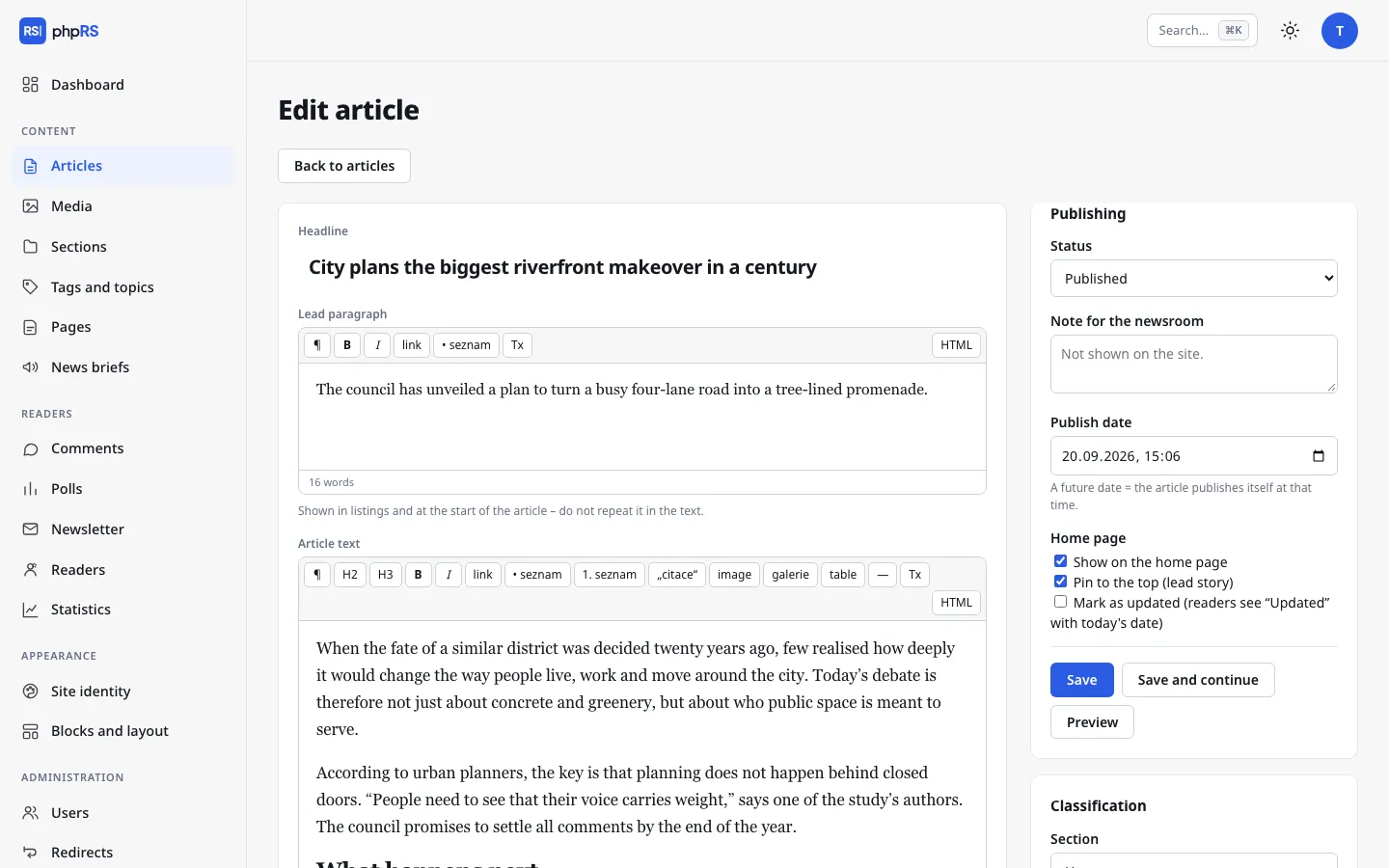
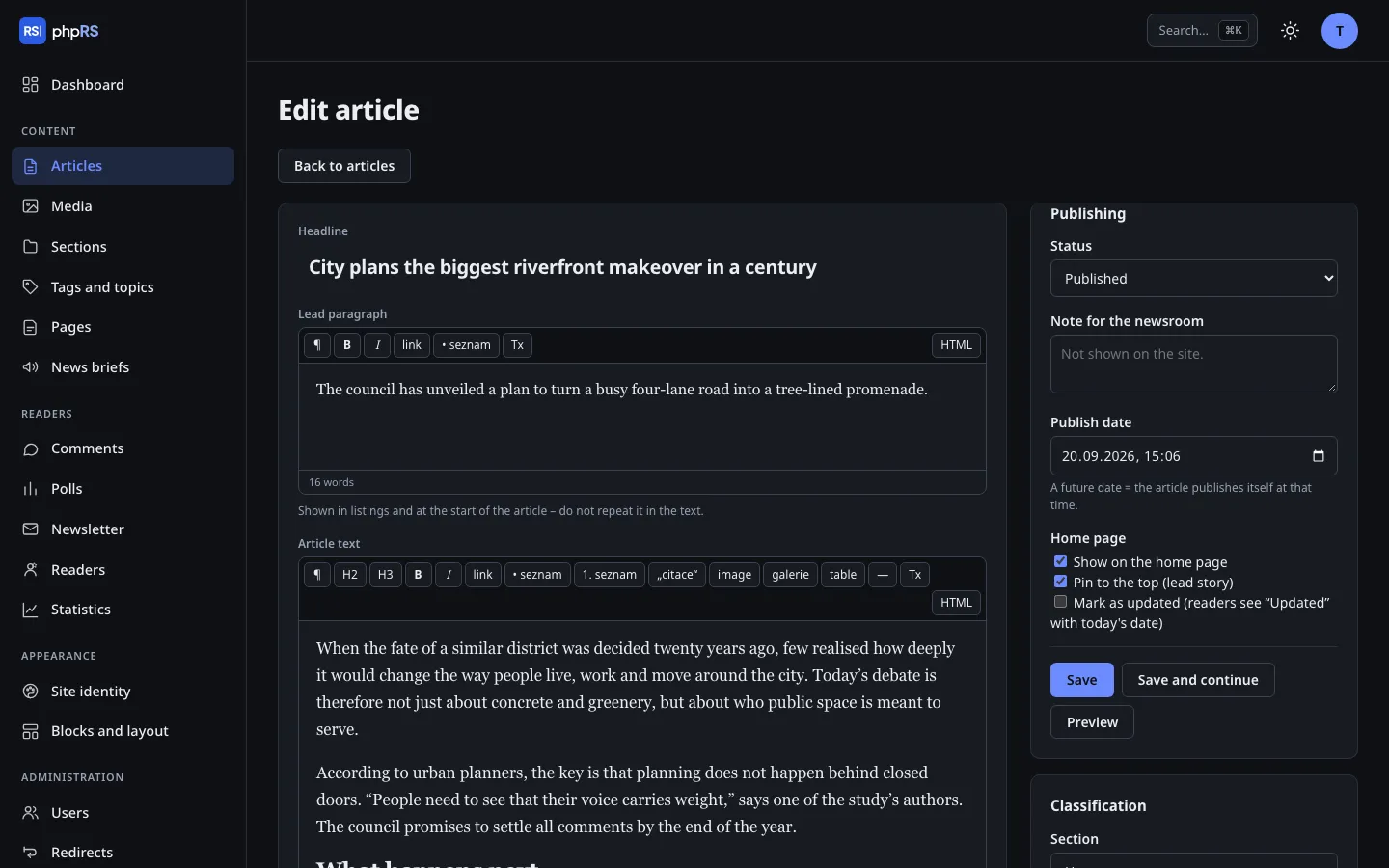
- WYSIWYG editor with no third-party libraries
- Headings, quotes, tables, photo galleries, attachments. Clean output, no clutter in the HTML.
- Video and social media posts from a plain URL
- You paste a link, the system does the rest. Third-party content loads for the reader only after a click.
- Revisions and version comparison
- Every change to the text is a revision (the last 20 are kept). Differences are highlighted in the text and you can restore any version.
- Drafts are saved continuously
- In the browser and on the server. A lock makes sure two people do not edit one article at the same time.
- Article templates and content types
- Long read, Photo story, Interview; live coverage, review with a rating, podcast.
- Scheduled publishing
- The article goes out at the set time – in the time zone of the site, not of the server.
- In brief, questions and answers
- A bullet-point summary of the article and a question-and-answer block with structured data. Useful to readers and search engines alike.
- Series and author pages
- Articles in instalments with navigation between parts. Every author has a page with a bio and their texts.
- Downloadable attachments
- PDFs, spreadsheets, audio, video and other common types up to 200 MB. Executables, HTML and SVG cannot be uploaded.
Newsroom
From a single author to an editorial team with a proofreader and a front page editor.
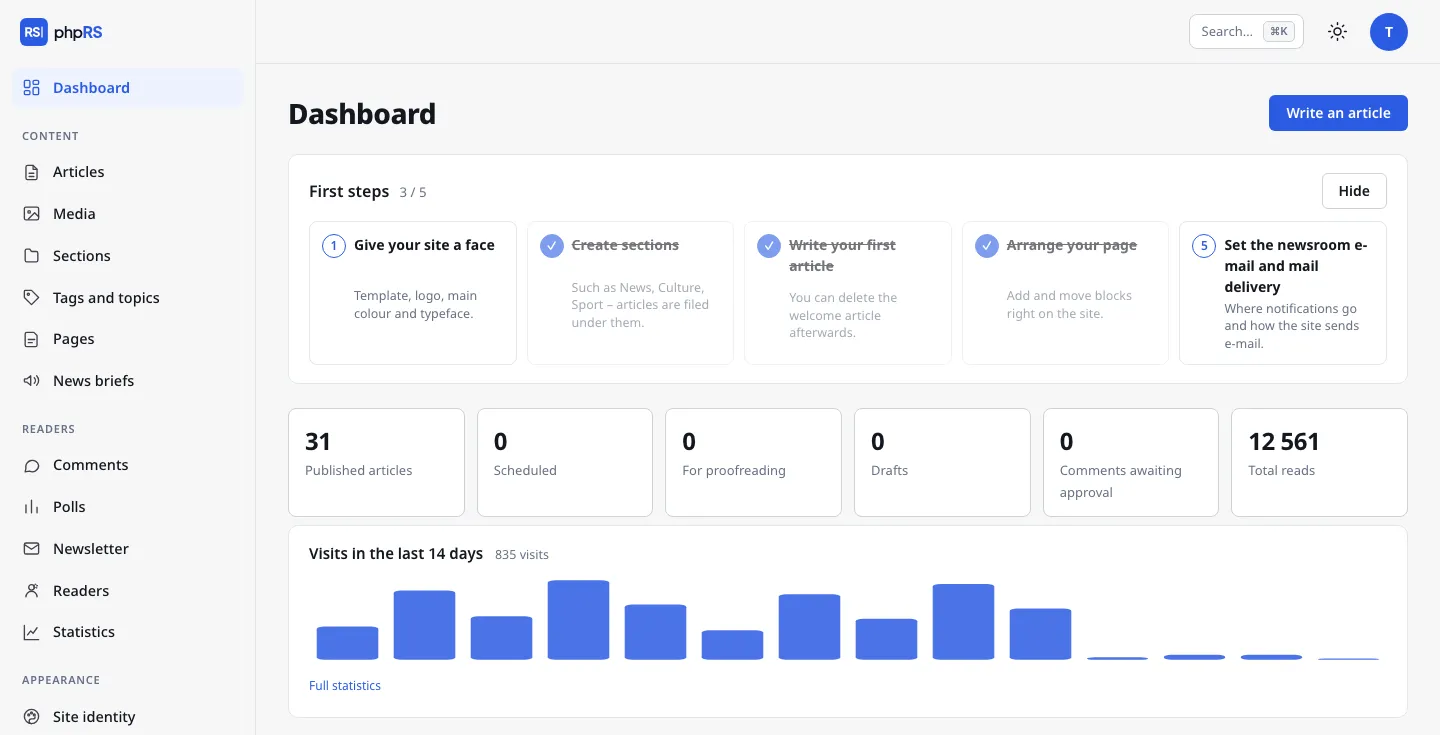
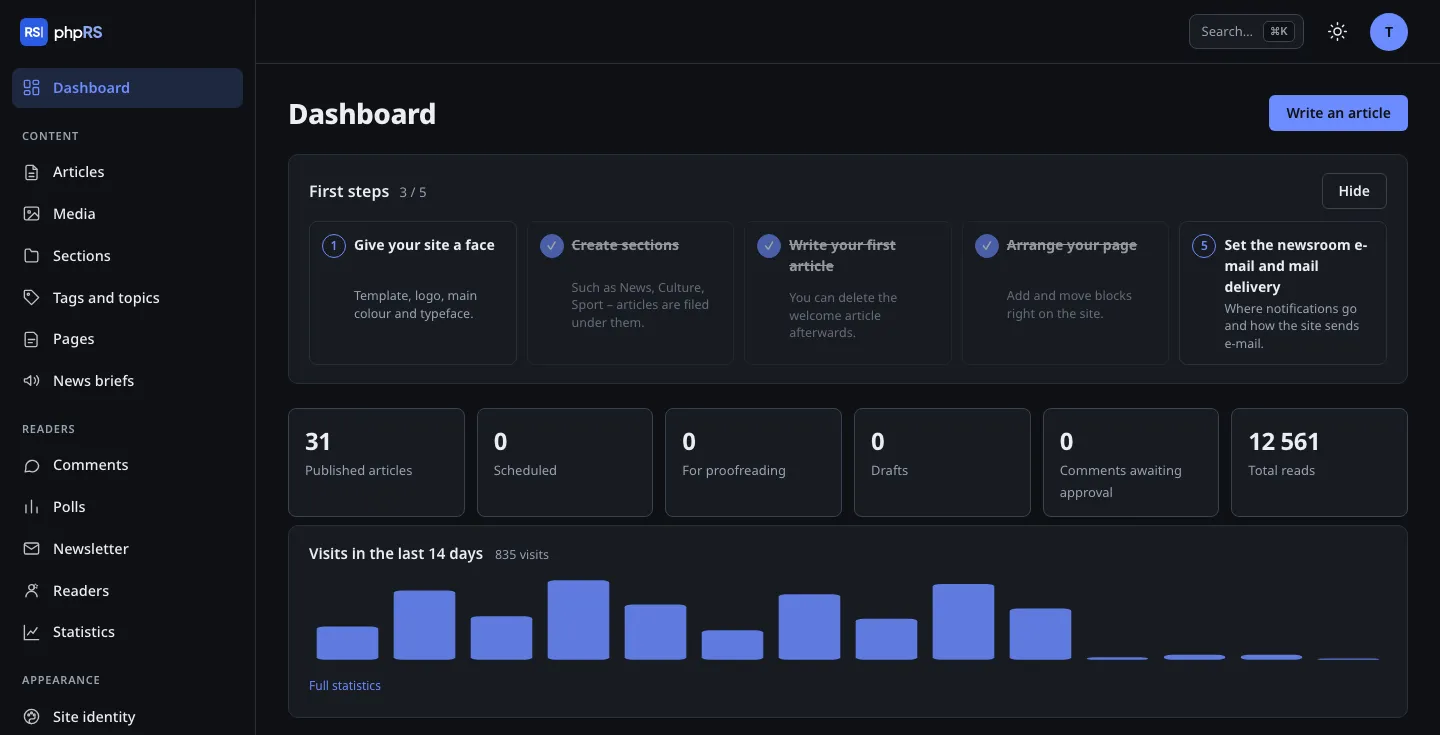
- Roles and permissions
- Author, editor, administrator. The right to publish is separate. Access can be limited to selected sections.
- Handover for proofreading
- Draft → for proofreading → approved → published. Handovers and returns are announced by e-mail.
- Editorial calendar and front page
- What goes out when and what is at the top of the site – two clear screens right next to the articles.
- Editing directly on the site
- You fix a typo on the page where you found it. This works for articles and pages.
- Command palette
- Ctrl/⌘+K: find an article, start a new one, jump to the settings. No clicking through menus.
- Bulk actions and audit log
- Move to a section, add a tag, lock or delete several articles at once. Important changes are logged.
- Broken link check
- The system goes through the links in published articles in the background and shows which ones have stopped working.
Appearance
Three templates, a site identity and a layout that you put together directly on the page.
- Three built-in templates
- Classic Newspaper, Modern Magazine and Minimal.
- Site identity
- Logo, colour and fonts are set once and the templates take them over.
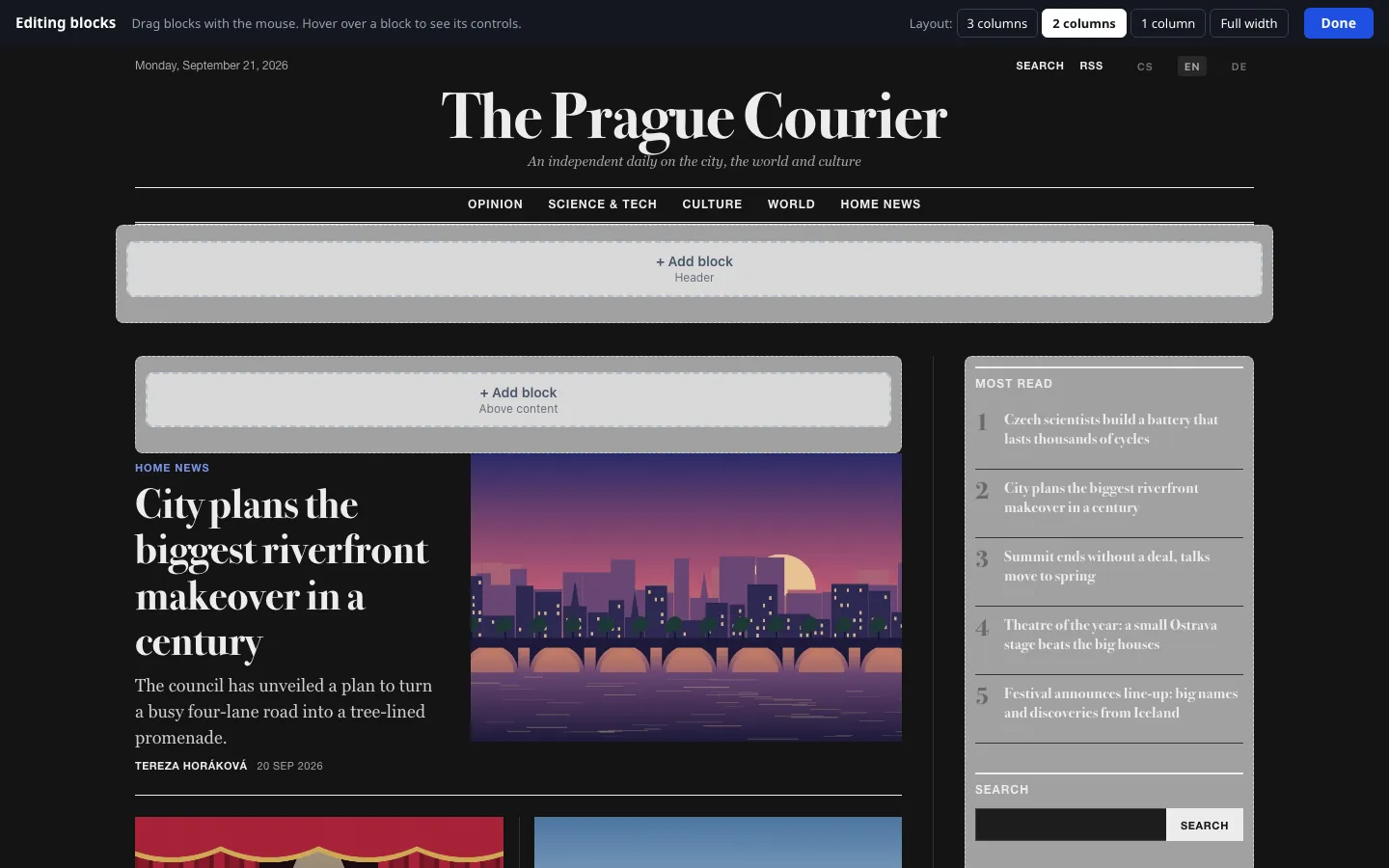
- Dark mode
- In all templates – you switch it on in Site identity and it follows the reader's device. In the administration everyone toggles it for themselves.
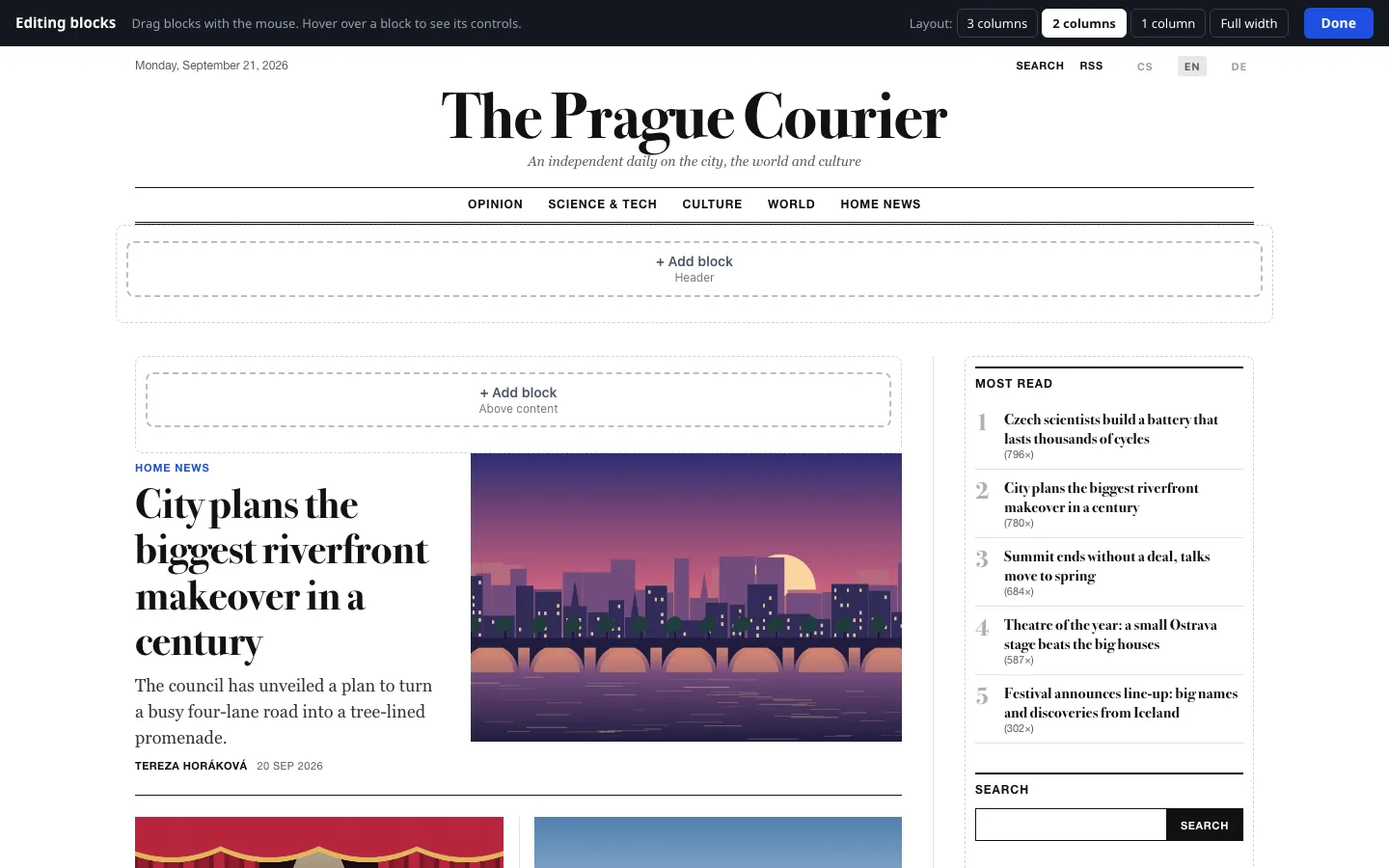
- Visual block editor
- You drag blocks and pick the column layout on the live page – you see the same thing as the reader.
- Custom template
- Plain PHP and CSS in one folder. Files written by Claude pass a check of allowed functions.
- Images without layout shifts
- Dimensions, WebP variants and the placeholder colour are filled in automatically.
Readers and revenue
Tools a magazine uses to build its audience and pay for its operation.
- Comments with moderation
- Antispam without cookies and without third-party services.
- Registration without a password
- The reader signs up with just an e-mail; they set a password from a link, or log in with a one-time link. Saved articles, newsletter subscription, comments under their own account.
- Locked content and a soft paywall
- Part of the content only for logged-in readers or subscribers; a few locked articles per month can be free.
- Subscriptions through Stripe
- The reader pays by card on a Stripe page and the site turns the subscription on and renews it by itself; cancelling or changing the card happens in the Stripe portal. Card details never reach your site. You can still enter a subscription by hand for anyone.
- Newsletter
- Manual and automatic selection of new articles, separately for each language of the site. A queue with retries.
- Web Push
- Browser notifications about new articles – no intermediary, only the browsers' own delivery services.
- Advertising system
- Positions, targeting by section, timed campaigns and a report of impressions and clicks.
- Polls, news items and ratings
- Polls and short news items as extensions; star ratings for articles; readers can report an inappropriate comment.
- Revenue overview
- Subscriptions, voluntary support, advertising and the newsletter on one screen. The Support us block leads to your payment link.
SEO and AI search
So that both people and machines find the article – and so that you control what machines are allowed to do.
- Structured data
- Schema.org for articles, reviews, podcasts, breadcrumbs and the author.
- Sitemap, RSS and JSON Feed
- Generated automatically, including language versions.
- IndexNow
- Search engines learn about a new article right away.
- llms.txt and Markdown versions of articles
- Clean text for language models, if you want that.
- AI crawler control
- One switch lets AI bots (GPTBot, ClaudeBot, PerplexityBot…) in or keeps them out – without editing robots.txt by hand.
- Podcast and Google News
- A podcast feed with the tags Apple Podcasts and Spotify expect, and a separate sitemap for Google News.
- 301 redirects
- Old addresses lead to new ones; for every redirect you see how many times it was used.
- Cookie banner and consent-based analytics
- A built-in banner with a consent log. GA4, Matomo and Plausible start only after consent; the built-in visit statistics need no cookies at all.
Languages
A multilingual site and a multilingual editorial team.
- Language versions of the site
- Czech, Slovak, English, German – with hreflang and linked translations.
- Administration in four languages
- Each user chooses their own. So does the installer.
- E-mails in the language of the recipient
- Newsletters and system messages.
- Site time zone
- Independent of the server settings.
AI – optional
Switched off until you enter your own key. Nothing is sent anywhere without your knowledge.
- Assistant in the editor
- Headlines, standfirst, summary, tags, proofreading, image descriptions, article translation. Through the Claude API.
- Connection to Claude (MCP)
- Claude manages content and writes custom templates. It cannot touch the system code, the users or the server.
Operation and security
Things you appreciate only when something goes wrong. Here they are ready in advance.
- Import from WordPress and site export
- Bring over articles, sections, tags, pages, comments and images from a WordPress export; old addresses are redirected. And you can take all your content away in an open format at any time.
- Signed updates
- One button, an Ed25519 signature. Security releases install themselves.
- Backups, also off the server
- A database backup weekly and before every update; a copy to FTP/FTPS or S3 storage. Restore from the administration; files travel with the site export.
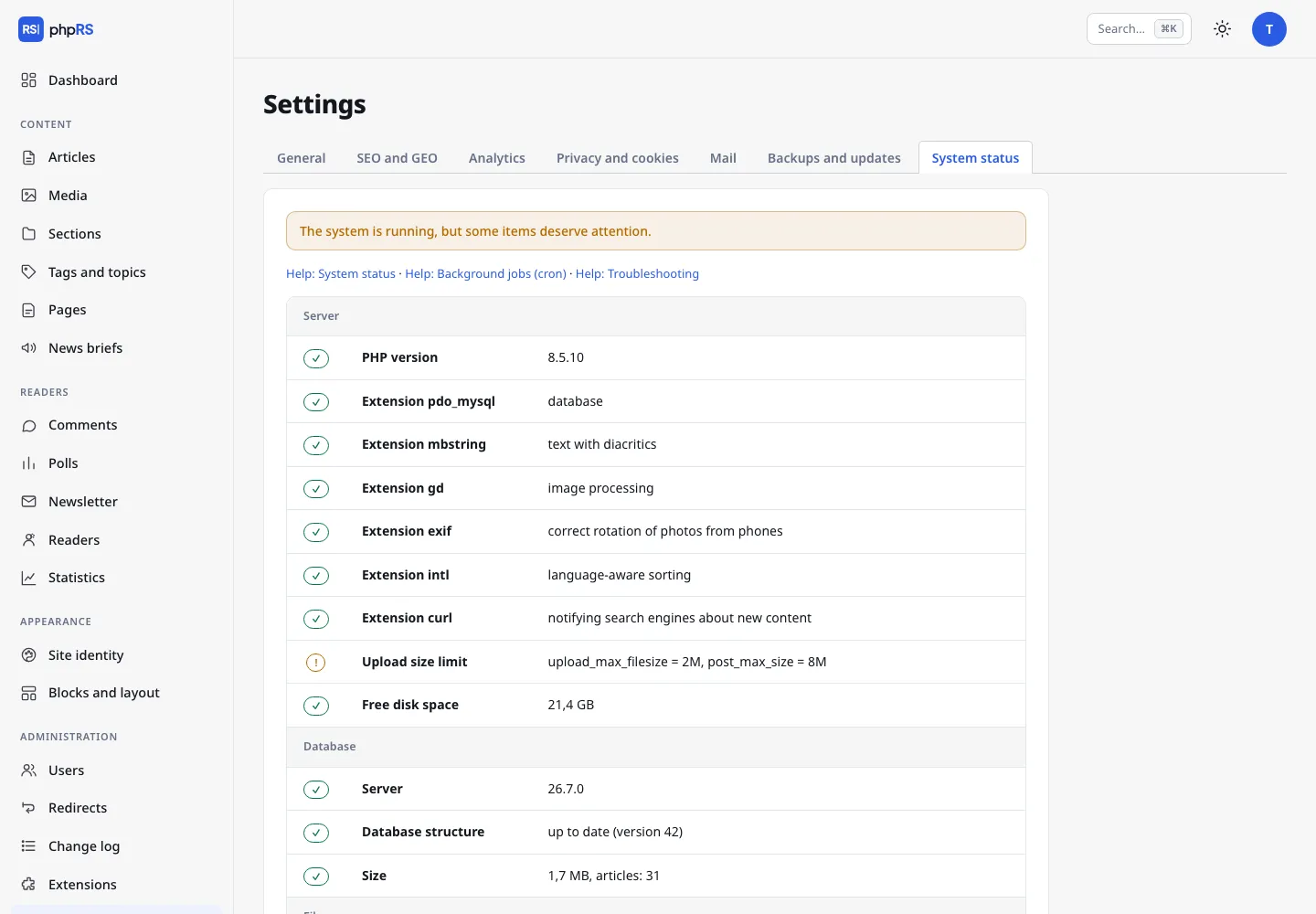
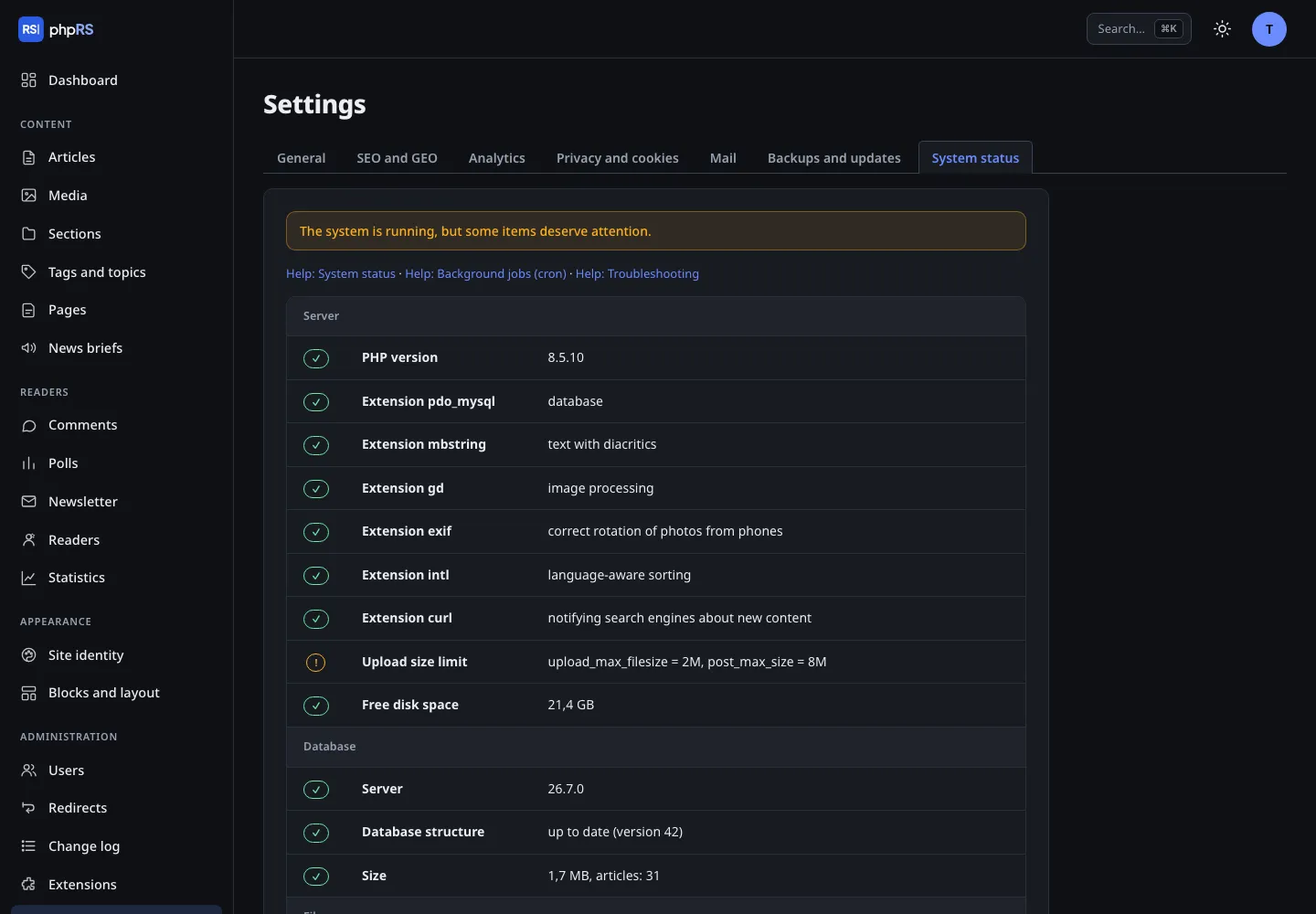
- System status
- Server, database, permissions, security, mail, cron – with advice on what to fix. Also as JSON for monitoring.
- Two-factor login
- TOTP with backup codes, plus a passkey (fingerprint, Face ID) as a more convenient second step. The account is locked after repeated failures.
- Core integrity check
- Files are compared with the signed file list of the release.
- Mail over SMTP with a queue
- Undelivered messages are retried; an overview of recent messages.
- Read-only API and webhook
- A JSON API for a mobile app or another site, and a webhook when an article is published – both as extensions.
- Page cache and full-text search
- A reader who is not logged in gets a ready-made page from the cache. Search runs on the database, with no outside service.
- Sample magazine
- During installation you can load sample content in Czech, English or German and delete it later with one click.